Skills
Write and version skills for agents to read.
A skill is what an agent can be granted to read: a SKILL.md of instructions, and any scripts or references beside it. The model sees each granted skill’s name and description up front, and reads the rest only when a task calls for it — so a long procedure costs nothing until it is used.
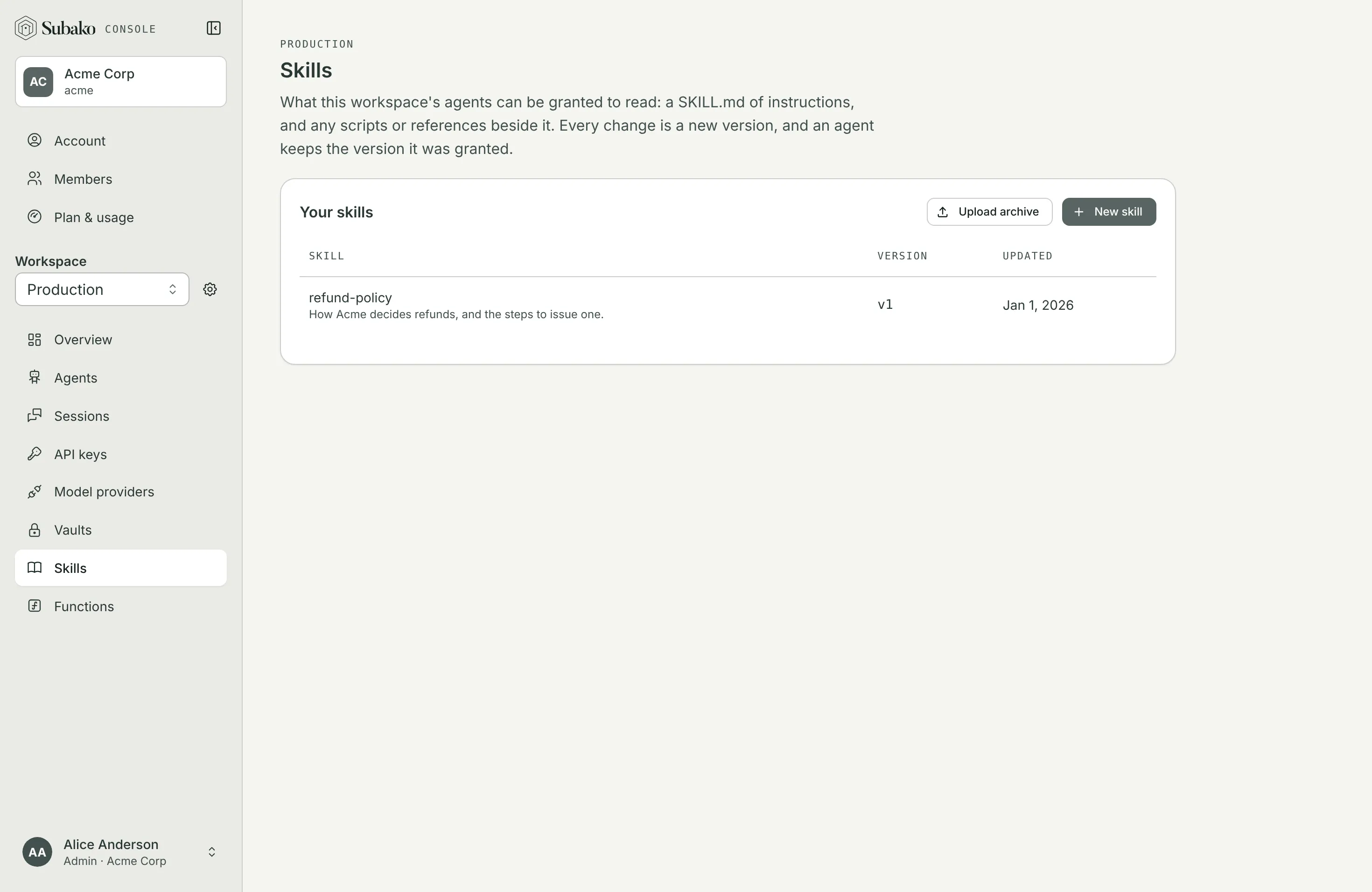
Writing one
New skill opens an editor on a SKILL.md. Its frontmatter names the skill and says when to use it:
---
name: refund-policy
description: How Acme decides refunds, and the steps to issue one.
---

# Refund policy

Refund an order within 30 days of delivery. Above $500, ask a manager first.

Run `scripts/eligible.py <order>` to check an order.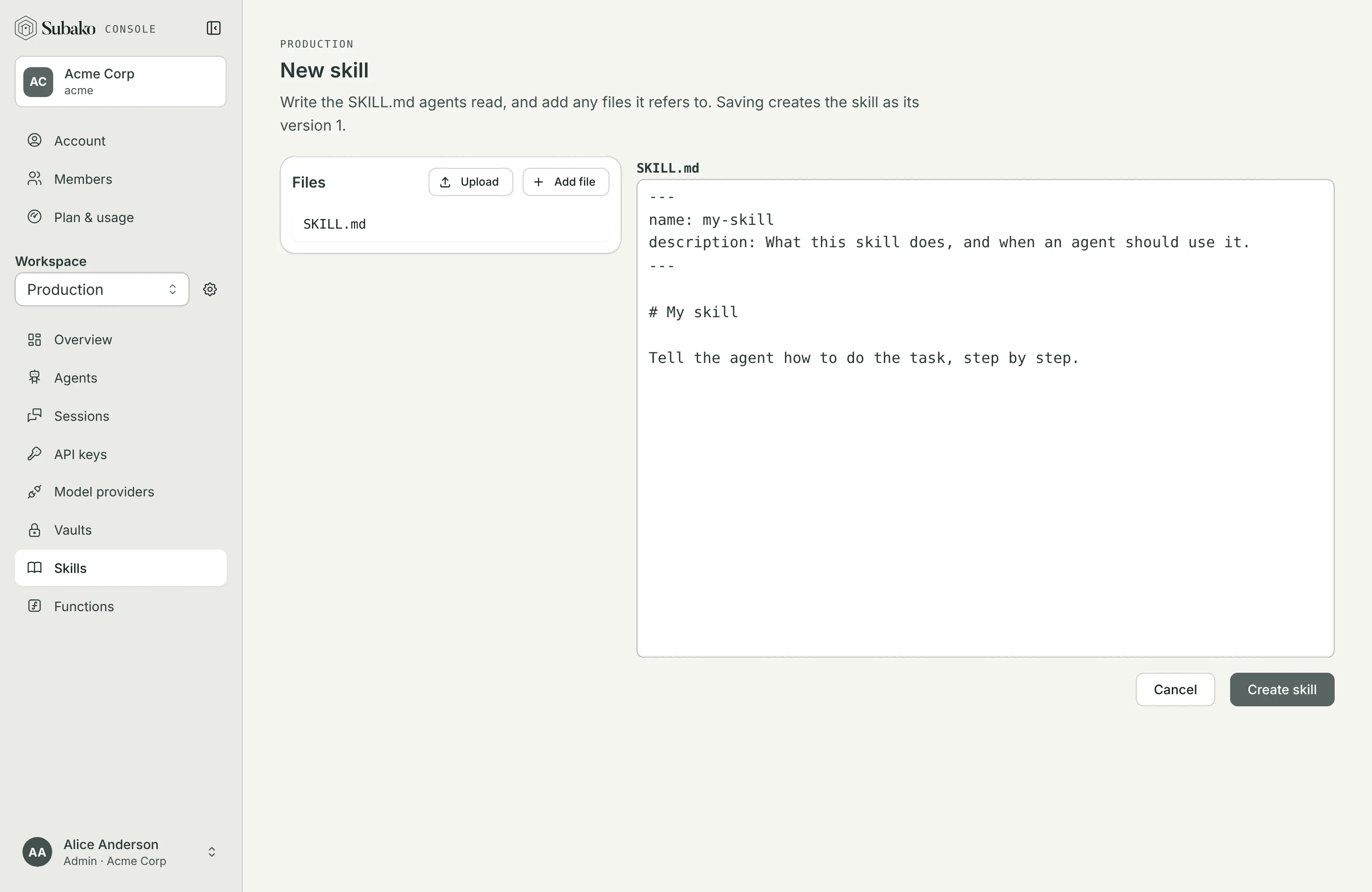
Add file creates another file by its path from the skill’s root — scripts/eligible.py, say — and Upload adds files from your disk. The editor checks the SKILL.md as you type and says what Subako would refuse. Create skill saves it as version 1.
Upload archive takes a .tar.gz of a skill’s folder, with SKILL.md at its root, instead.
Versions
Every change is a new version. A skill’s page shows any version’s files, downloads one file or the whole archive, and Edit starts the next version from the one shown.
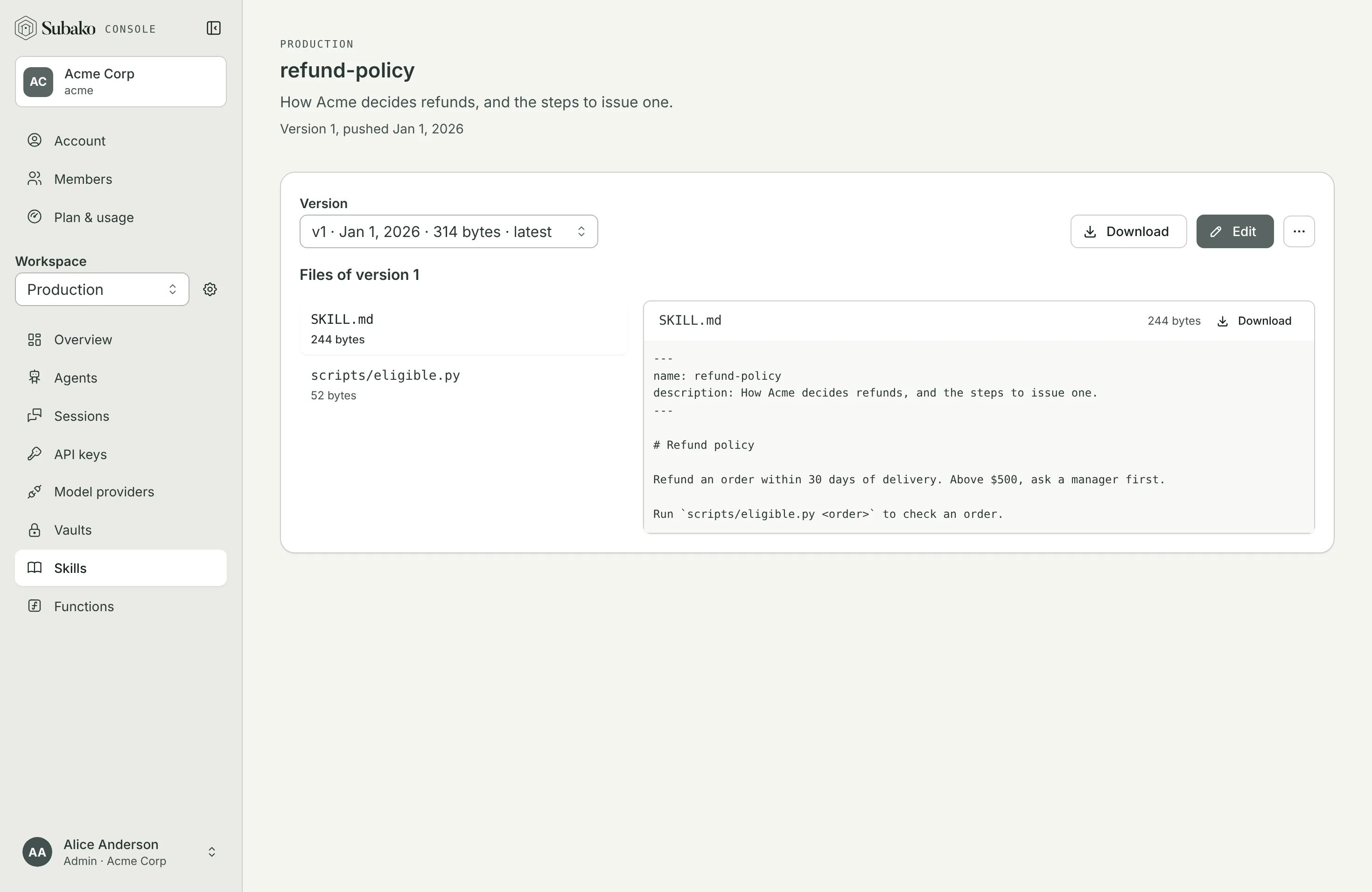
An agent version grants a skill Latest — whichever version is newest when a session starts — or Pinned to one version. A skill cannot be deleted while an agent version grants it or a session holds it.
Where the agent reads it
A skill’s files are mounted read-only for the session’s sandboxes and functions at /skills/<name>/, so a script a skill ships can be run where the agent runs commands.