Packages and versions
The bundle format, versions, and uploading.
The bundle
A package is uploaded as a gzipped tar with these at its root, and nothing else:
- subako-package.json
- module.wasm
- assets/
- templates/
- report.typ
- logo.png
- templates/
| Entry | |
|---|---|
subako-package.json |
The manifest. Required, up to 256 KiB. |
module.wasm |
The module, built for WASI preview 1. Required. See the ABI. |
assets/ |
Optional. Files the module reads, read-only, at /package/<path>. Up to 10,000 regular files — no symlinks — each path up to 1,024 bytes. |
The whole bundle is at most 64 MiB, compressed and unpacked alike. Any other entry at the root — a README, a .DS_Store, macOS’s ._ files — is refused; the templates’ package.sh packs with COPYFILE_DISABLE=1 tar --format=ustar for that reason.
The manifest
{
  "abi": 1,
  "name": "orders",
  "description": "Looks orders up, and cancels them."
}| Field | |
|---|---|
abi |
1, the only ABI Subako runs. |
name |
The package’s name: 1 to 32 characters, lowercase letters, digits, and -. A grant takes it as its name unless told otherwise. |
description |
Up to 1,024 characters, shown to people choosing the package. |
The manifest does not list tools: Subako asks the module when the package is uploaded, so the tools are always the ones the module really serves.
Versions
Every upload is a new version, numbered from 1, and a version never changes. Uploading a fix pushes the next number; what changes for whom is the grant’s to say:
- An agent version granting the package’s latest version gets the new one in sessions started from now on.
- One pinned to a version stays on it until a new agent version names another.
- A session already running keeps the version it started with, either way.
A package’s page in the console shows any version: when it was pushed, its module’s size and SHA-256, its assets, and its tools with their parameters and schemas.
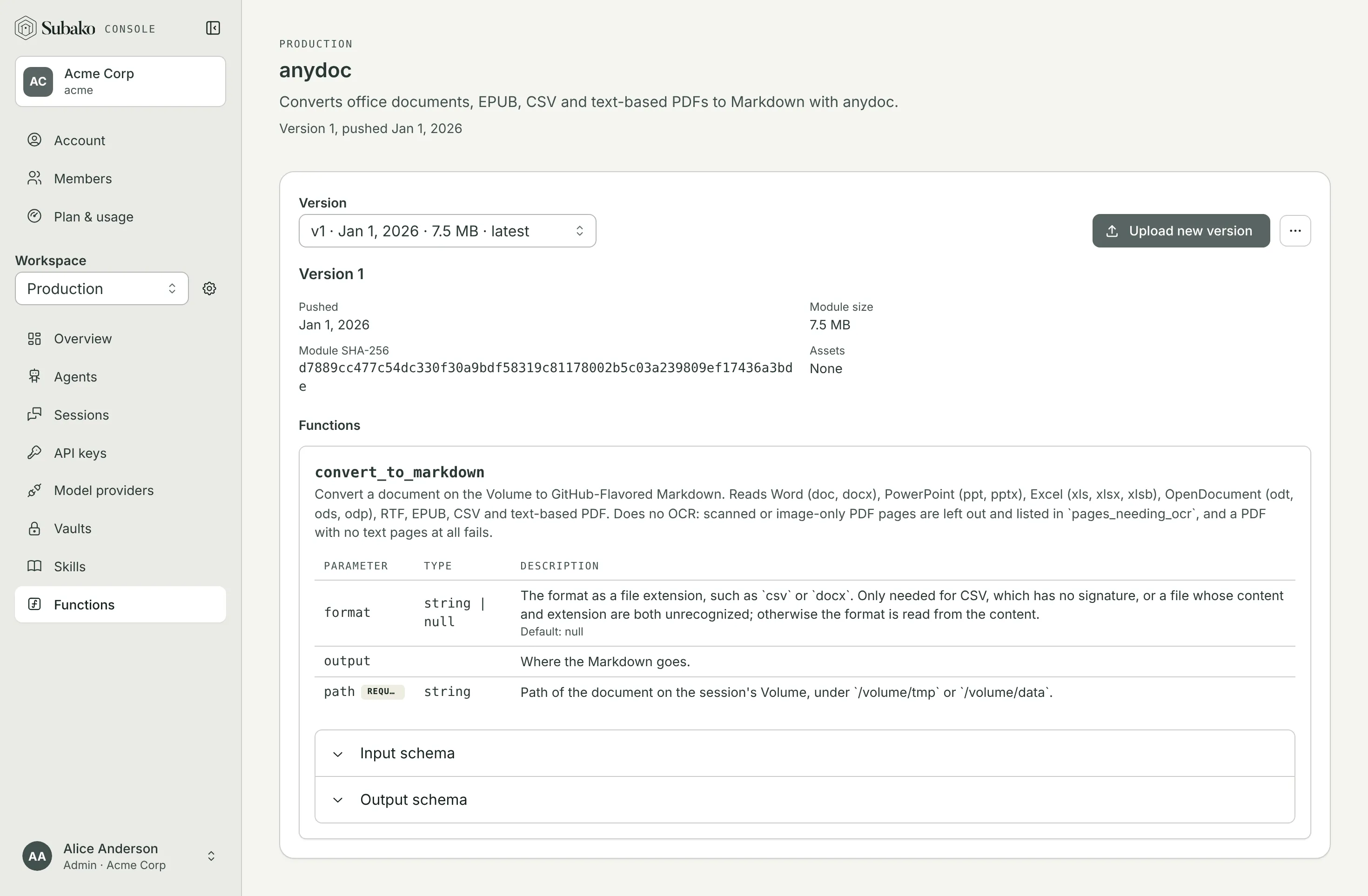
More actions gives the package a label people see in place of its name, or deletes it with every version. Subako refuses to delete a package while a published agent version grants it or a session holds it.
Uploading
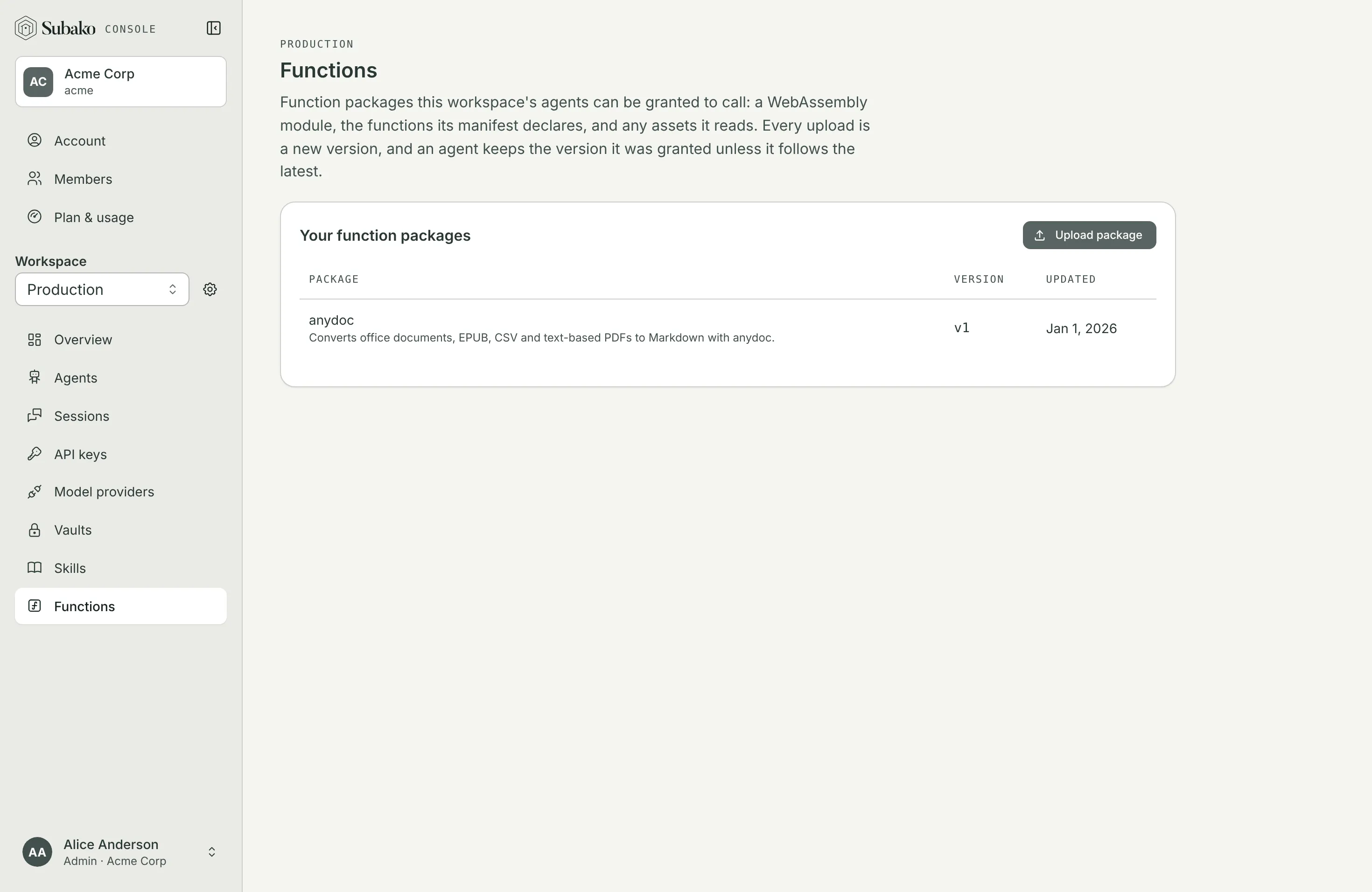
Functions › Upload package takes the Archive, or the Manifest and module — plus any assets — as separate files, which the browser packs for you. Upload new version, on a package’s page, pushes the next one.
subako function create dist/orders.tar.gz             # version 1
subako function push <function-id> dist/orders.tar.gz # the next version
subako function list
Either takes a directory in place of the archive and packs it whole, so the directory must hold only the bundle’s entries.
curl -X POST https://api.us.cloud.subako.ai/v1/functions \
  -H "Authorization: Bearer $SUBAKO_API_KEY" \
  -H "Content-Type: application/gzip" \
  --data-binary @dist/orders.tar.gz

curl -X POST https://api.us.cloud.subako.ai/v1/functions/$FUNCTION_ID/versions \
  -H "Authorization: Bearer $SUBAKO_API_KEY" \
  -H "Content-Type: application/gzip" \
  --data-binary @dist/orders.tar.gz
The key needs Functions › Manage. Both answer the version, with the tools the module listed. See the API reference.
An upload that is refused says why: an entry the bundle may not hold, an import the module needs that Subako does not provide, a module that does not answer tools/list, or tools whose names or schemas break the rules.
Your plan caps how many packages the organization holds; versions are not counted. See Plan and usage.