Agents and versions
Create an agent and publish its versions.
An agent is what a workspace runs. It holds no configuration of its own: it is a name, and a line of versions. Each version names the model a session runs, what the model is told, and the tools it may reach.
A session runs the version that was latest when it started, from start to end. Publishing a new version changes only the sessions started after it — which is what makes publishing safe while people are mid-conversation.
Creating an agent
Agents › New agent asks only for a name: how the people and the code using the workspace tell the agent apart.
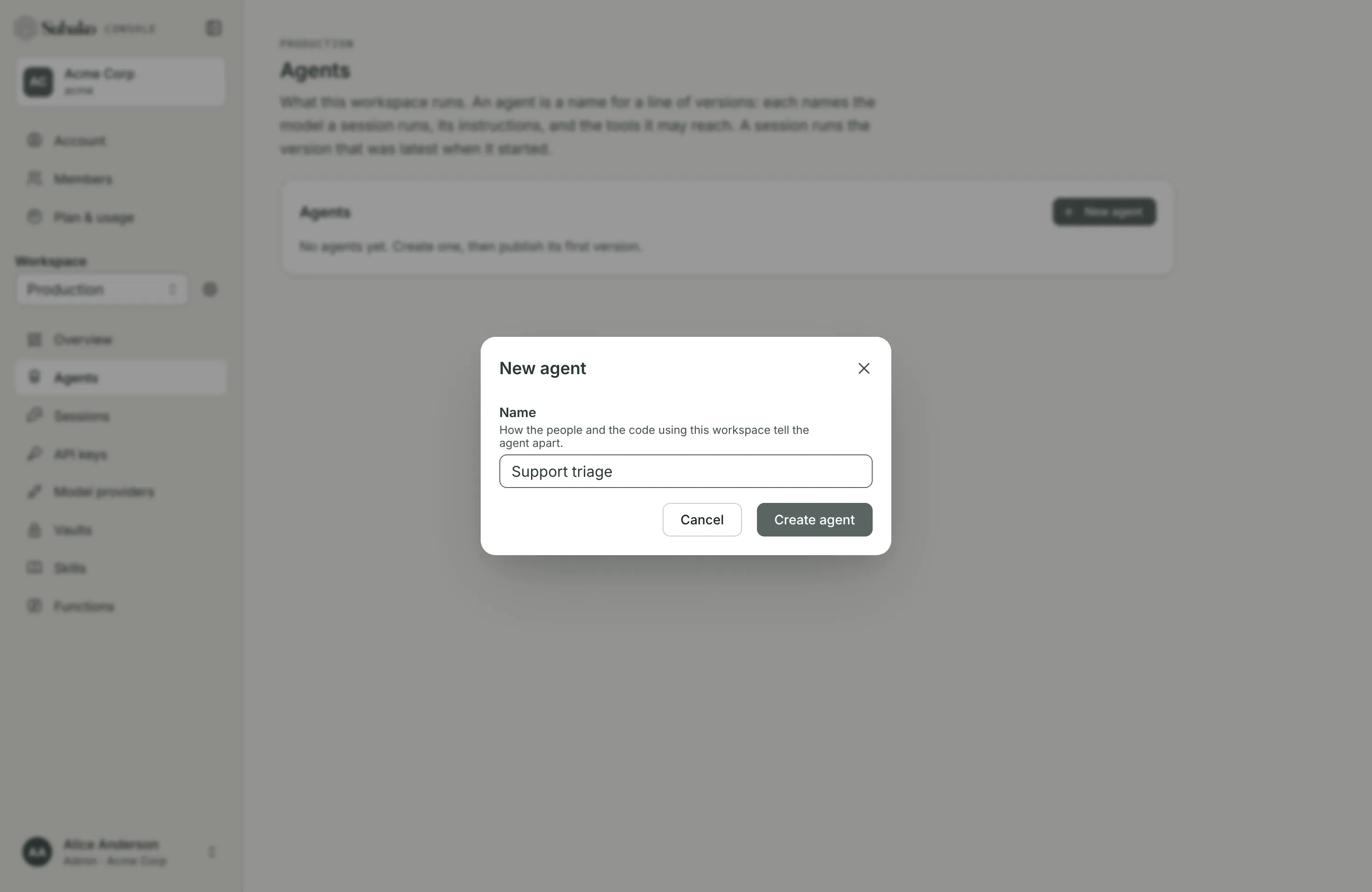
The agent starts with no version, and no session can start on it until its first one is published. Publish first version opens the version editor.
The version editor
The editor is one form, top to bottom. Publishing checks it as a whole: a field that needs fixing is marked, and nothing is published until every one is right.
Provider and model
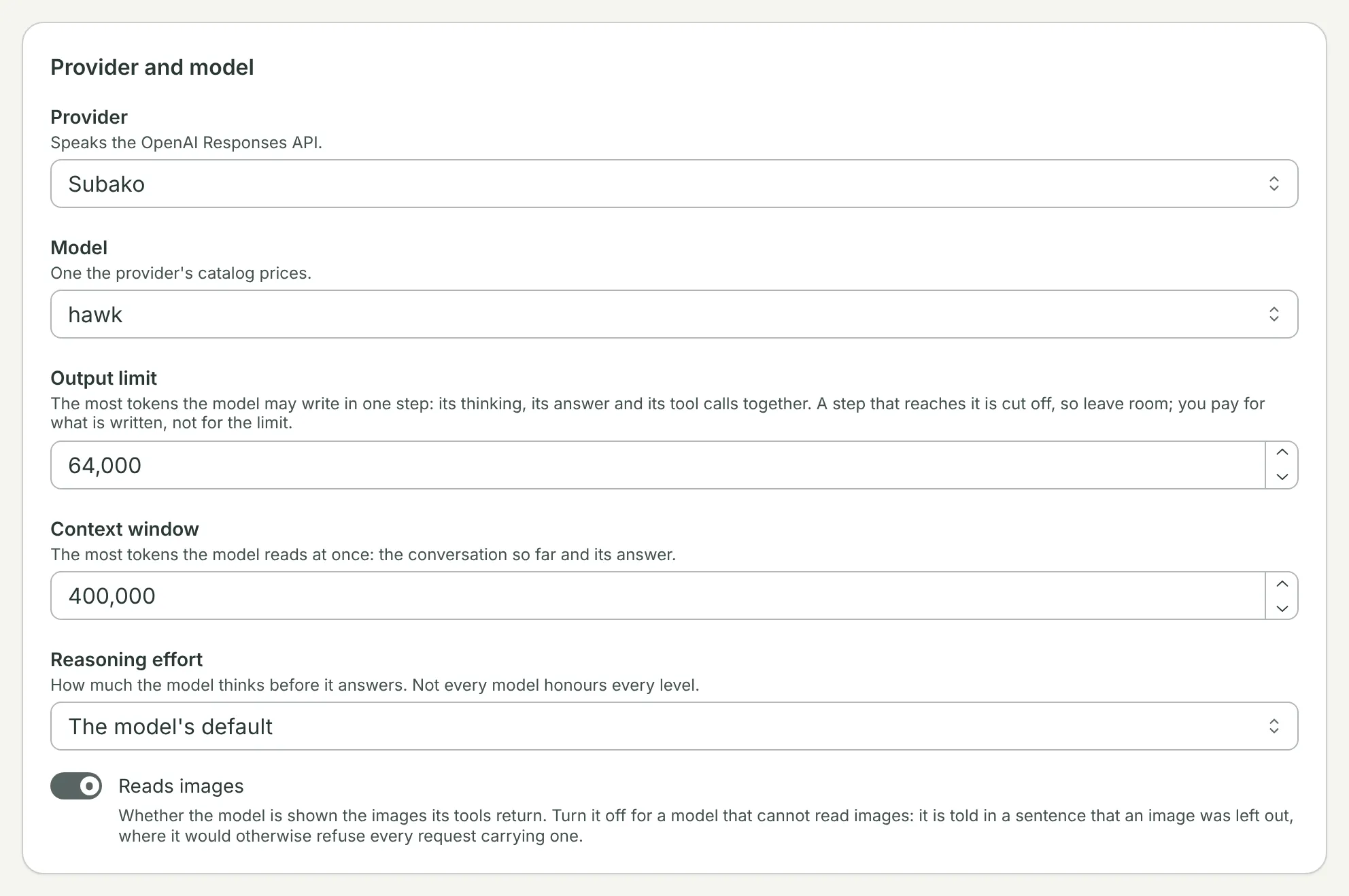
| Field | What it sets |
|---|---|
| Provider | Where the model runs: one the platform offers, or one of the workspace’s own. See Model providers. |
| Model | A priced model of a platform provider, or the model’s ID as your own provider’s API takes it. |
| Output limit | The most tokens the model may write in one step. |
| Context window | How many tokens the model reads at once. |
| Reads images | Whether the model is shown images: from a function’s result, say. |
| Thinking, Thinking budget, Effort | Anthropic models: whether and how much the model thinks before answering. |
| Reasoning effort | OpenAI Responses models: how hard the model reasons. |
Instructions
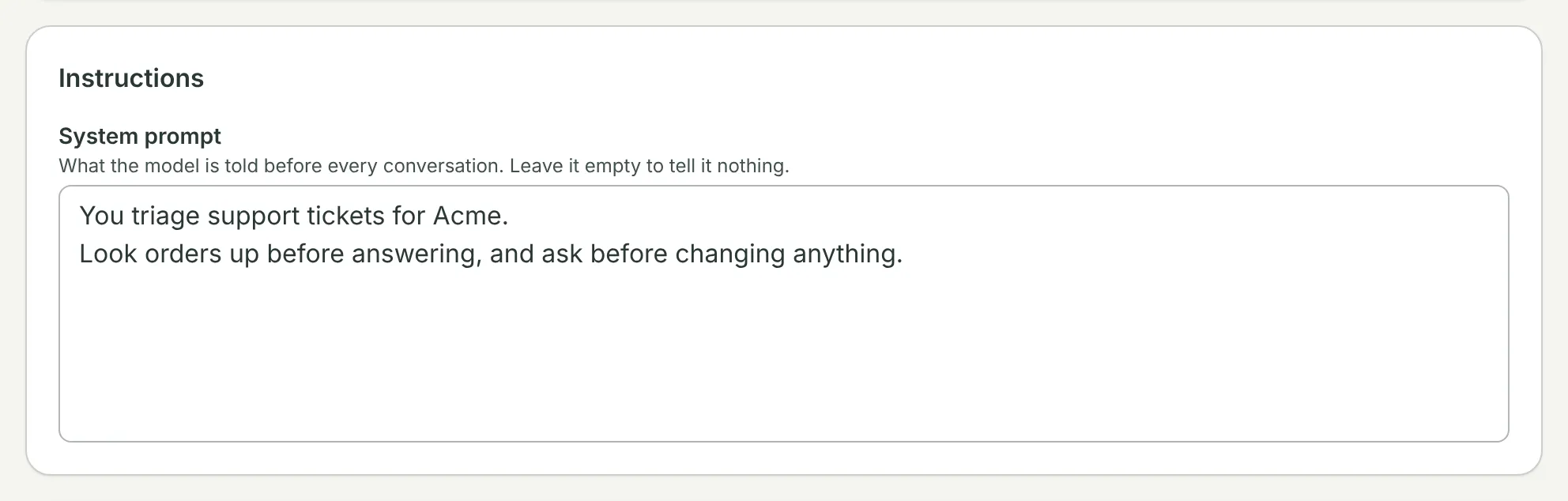
The System prompt is what the model is told before every conversation. Leave it empty to tell it nothing.
Tools
Tools is what the agent may reach. Every tool runs under a policy:
| Policy | When the agent calls the tool |
|---|---|
| Allow | It runs. |
| Ask first | It waits until a person allows or denies it, from the console or from your app. See Approvals and forms. |
| Deny | It is refused. |
Each grant has a Default policy, which covers every tool it offers, including one its source adds later, and Tool rules that override it for a tool by its exact name.
MCP servers
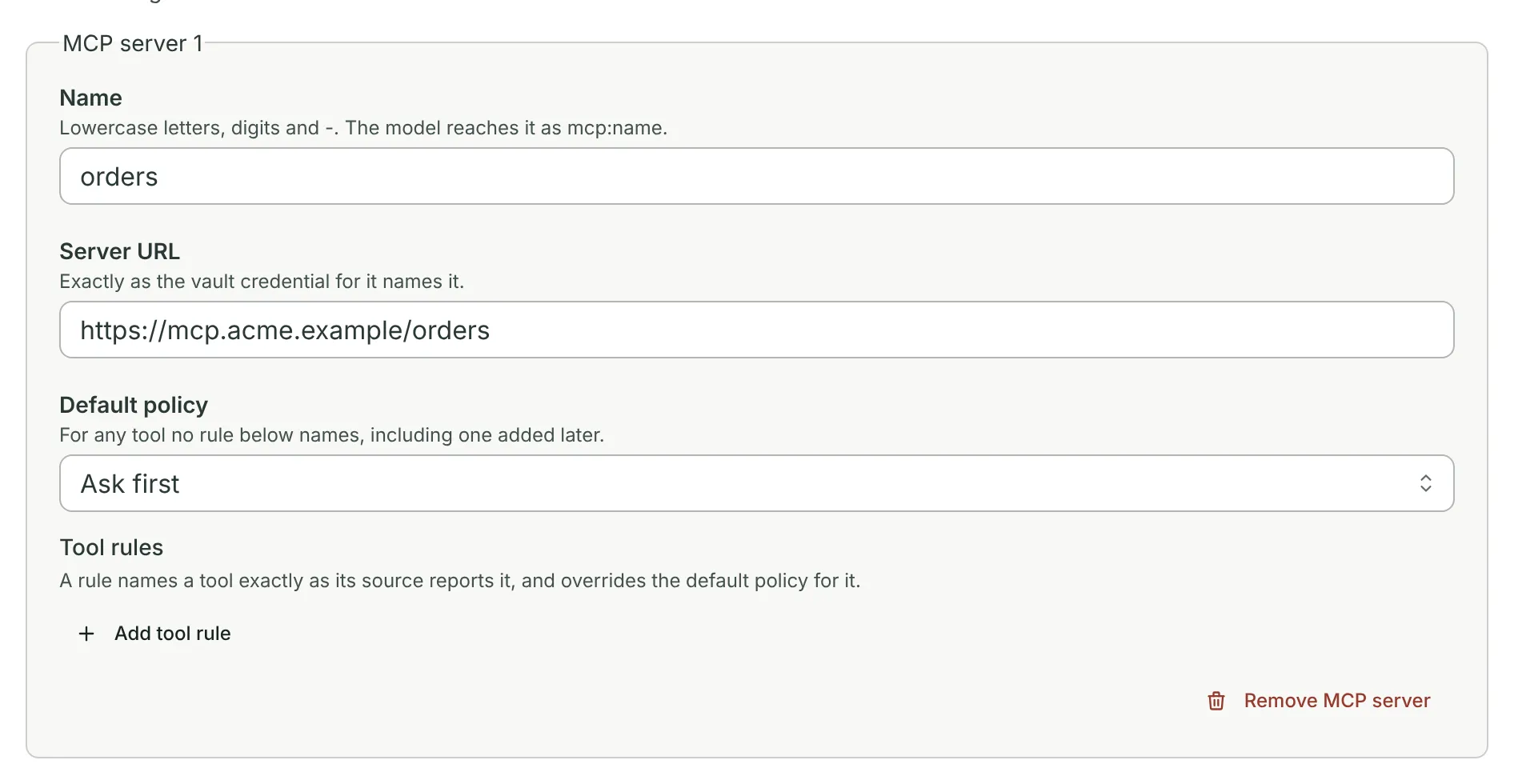
An MCP server is named, for the model, and pointed at by its URL. The version holds no credential: a session signs in to the server with the credential its vaults hold for that exact URL.
Skills
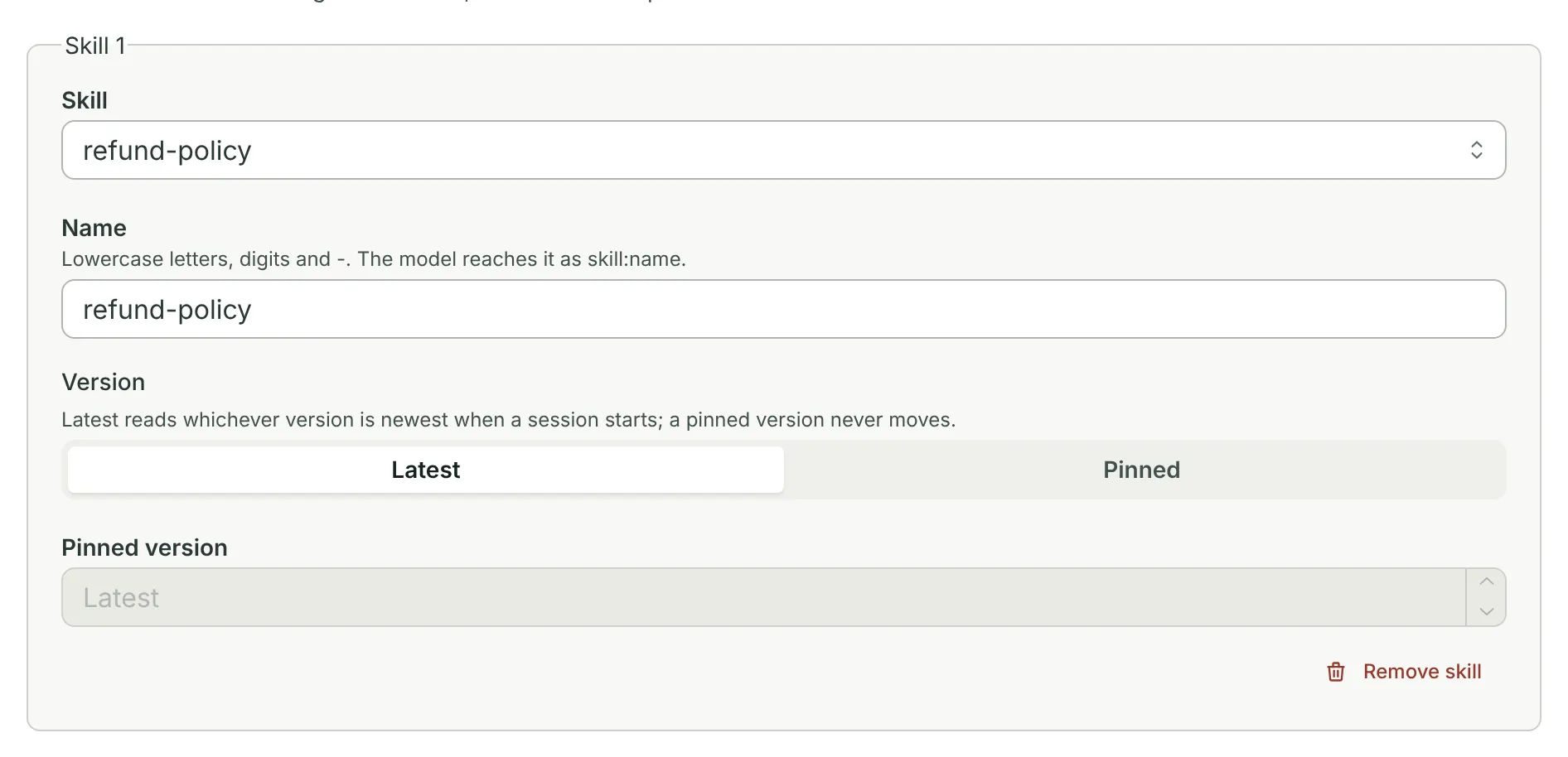
A skill is instructions and files the agent reads when it needs them. Latest reads whichever version is newest when a session starts; Pinned stays on one version for good.
Sandboxes
A sandbox is a Linux machine each session gets of its own, with a tool that runs commands on it. Release is the platform image line it boots, which pins its toolchain, and Network says whether it reaches the internet. Grant one only for programs that need Linux — building a codebase, a native CLI — and give the agent functions for everything else: they are safer, cheaper, and keep credentials out of the model’s reach. Sandboxes compares the two.
Function packages
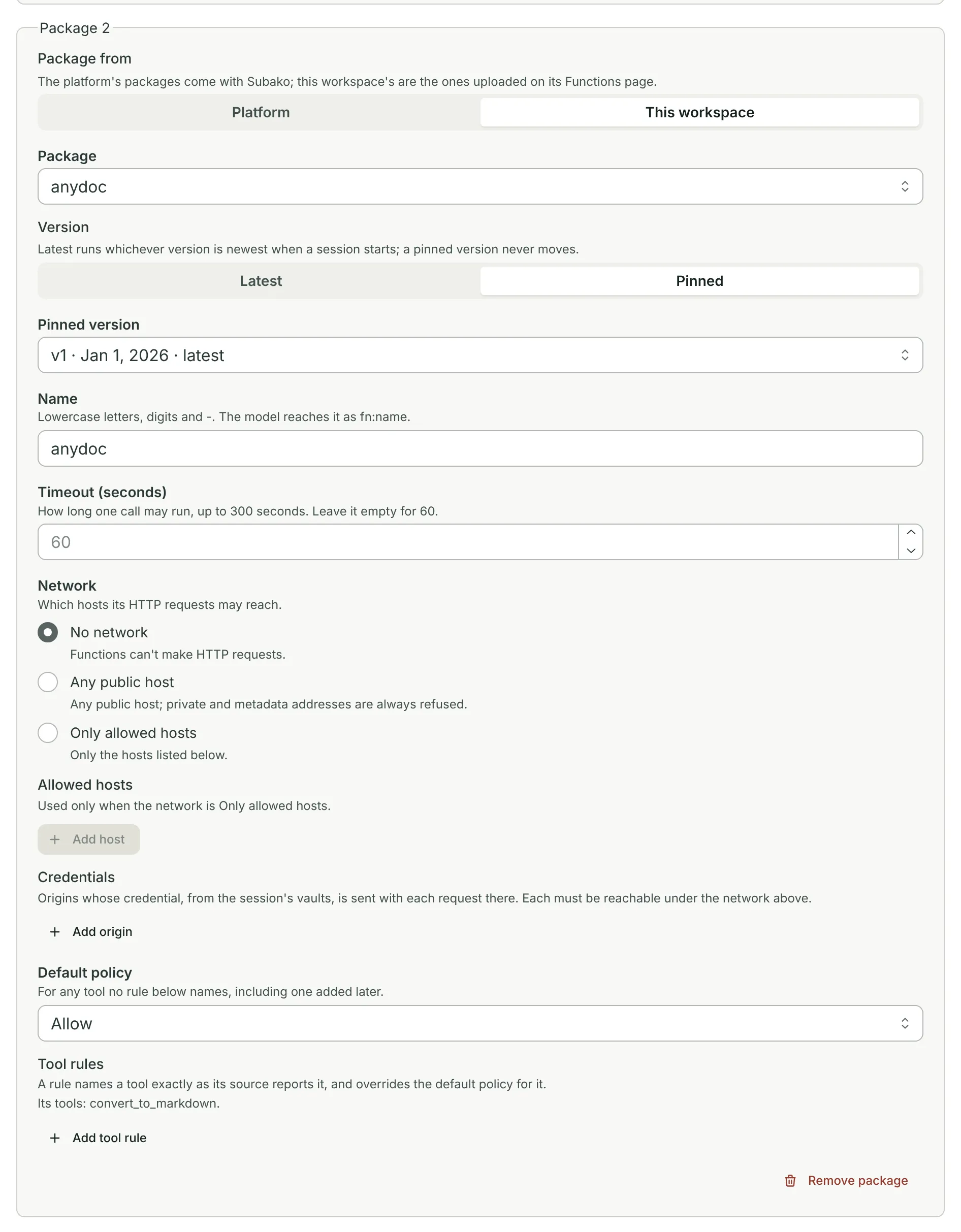
Subako Functions are WebAssembly packages the agent calls as tools: the platform’s own, or ones this workspace uploaded. A grant also sets how long one call may run, which hosts it may reach, and which origins get a credential from the session’s vaults. Granting functions covers every field.
Names the session and Asks people
Names the session says whether the agent may title its session: never, only while it has none, or until a person renames it. It never overwrites a name a person wrote.
Asks people lets the agent put a form to a person when it needs a decision: a pick among options, free text, or yes or no, plus Custom widgets your own app draws. See Approvals and forms.
Session Volume

Functions read and write files in the session’s Session Volume. Temporary (/volume/tmp) is always there and is cleared 24 hours after the session’s last activity. Give functions Data (/volume/data) adds a second area whose files are kept until the session is deleted.
After publishing
Publish version N returns to the agent’s page, which shows the version as it was published.
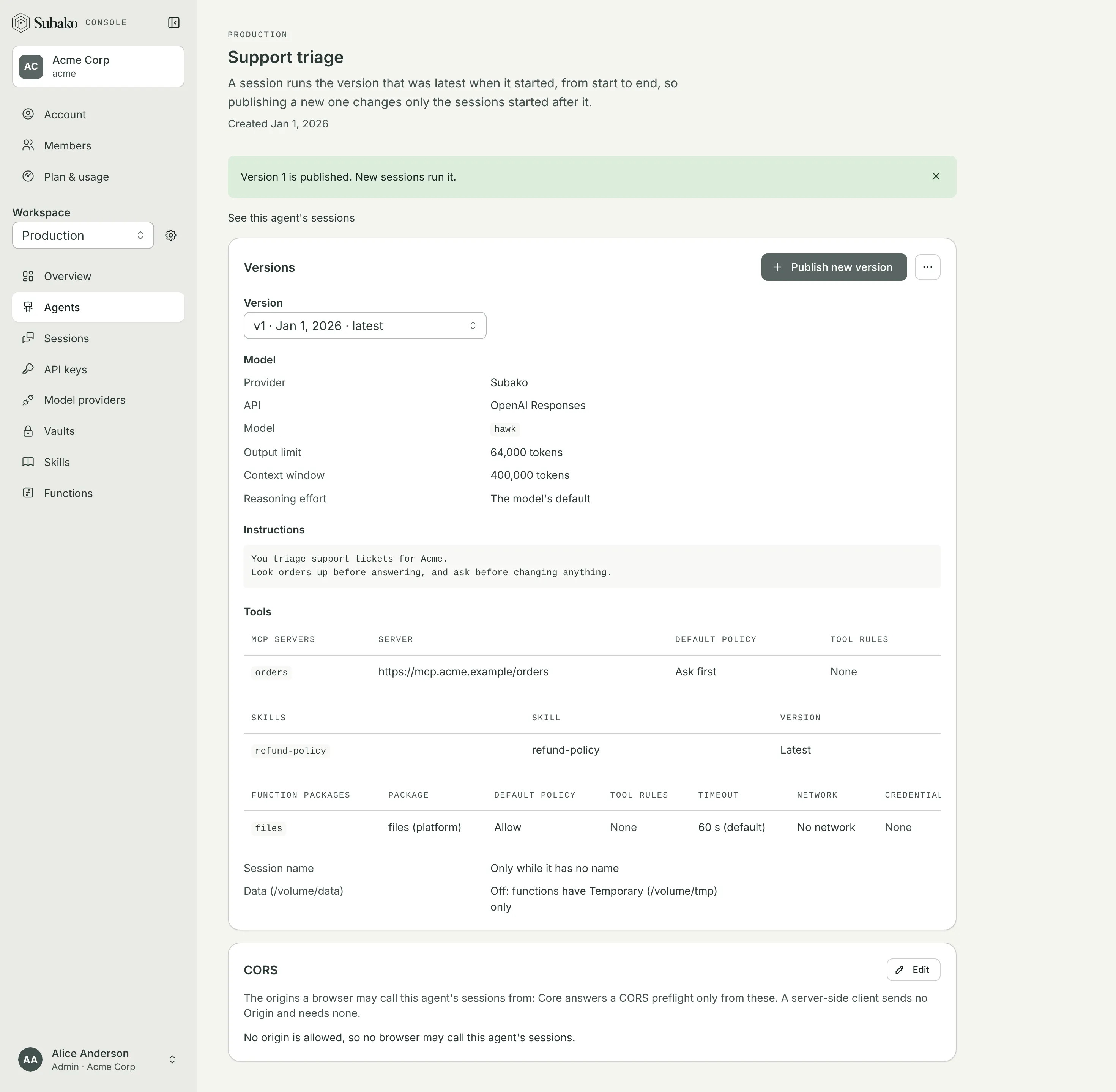
- Version picks any earlier version to read; versions are kept for good.
- Publish new version opens the editor filled in from the version shown, so a change starts from what is there.
- See this agent’s sessions lists the sessions that ran it.
- CORS lists the origins a browser may call this agent’s sessions from. A server-side client sends no
Originand needs none; a page that talks to a session directly, with a session token, needs its origin here. - Agent actions copies the agent’s ID, renames it, or deletes it — with every version and every session that ran one. Usage already recorded stays.
The same version can be published from a file, too: the editor’s form is the agent config document that subako agent publish and the API take, described field by field in the agent config reference.